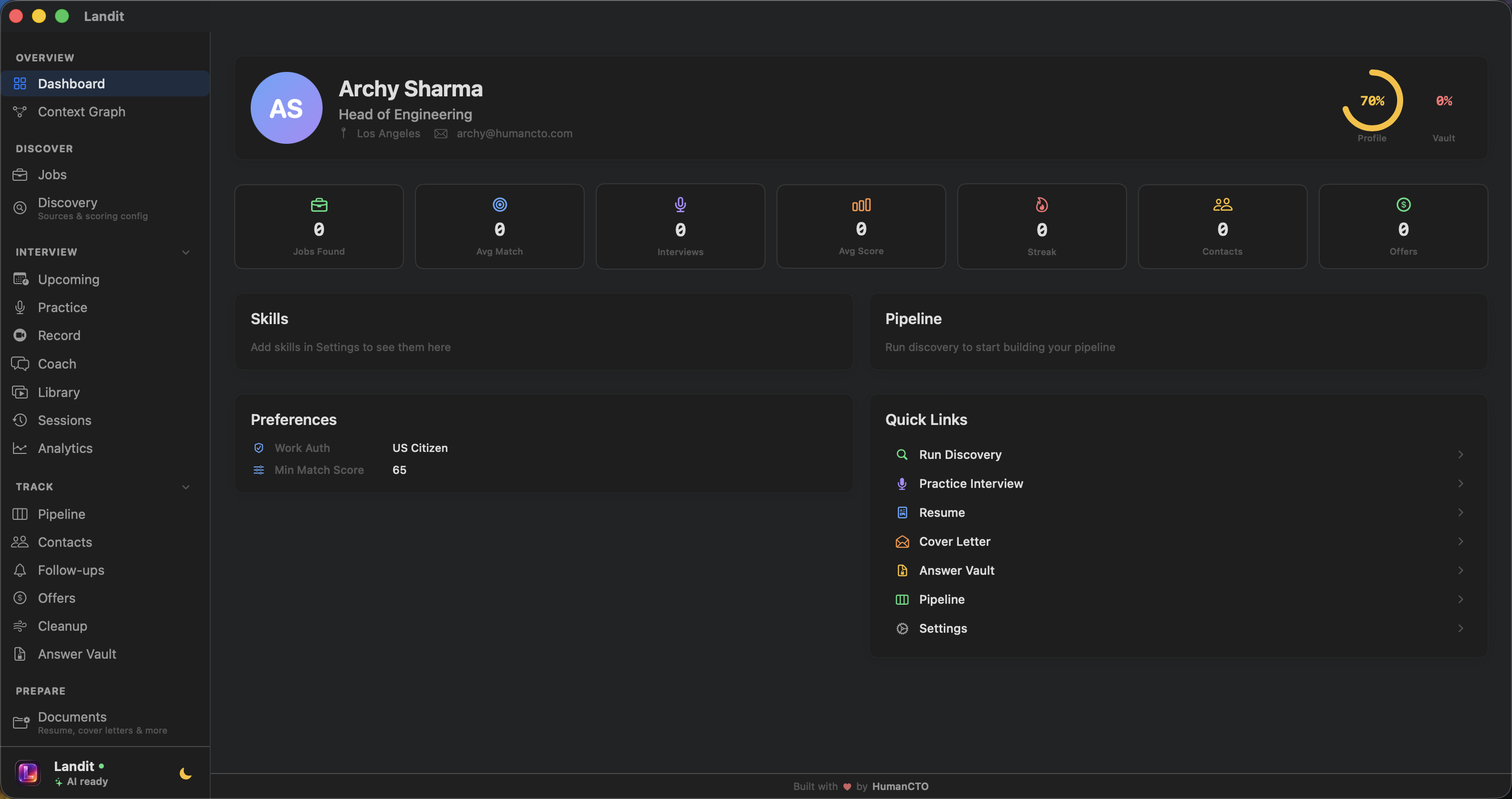
Discover jobs from 7+ sources, practice with live AI interviews, record Loom-style videos, and track every application. Run AI locally with Ollama — no API keys, no cloud, no cost. Privacy first. All on your Mac.
Every screen is built for focus. Browse through the full experience.
Landit
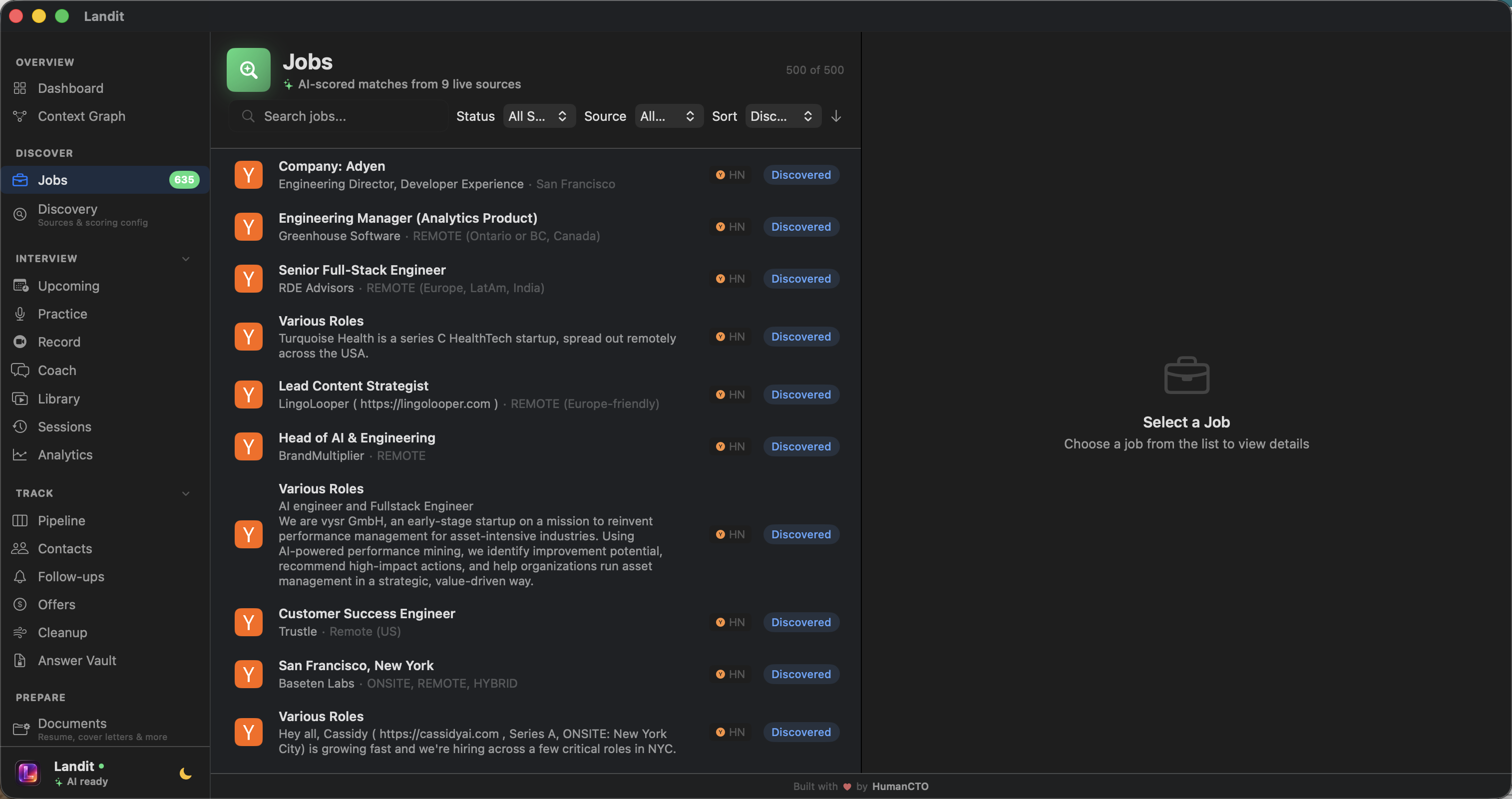
Browse and filter thousands of jobs from LinkedIn, Indeed, Greenhouse, Lever, and more.
Features
Everything you need to land the job
One app. Every tool. From discovery to offer.
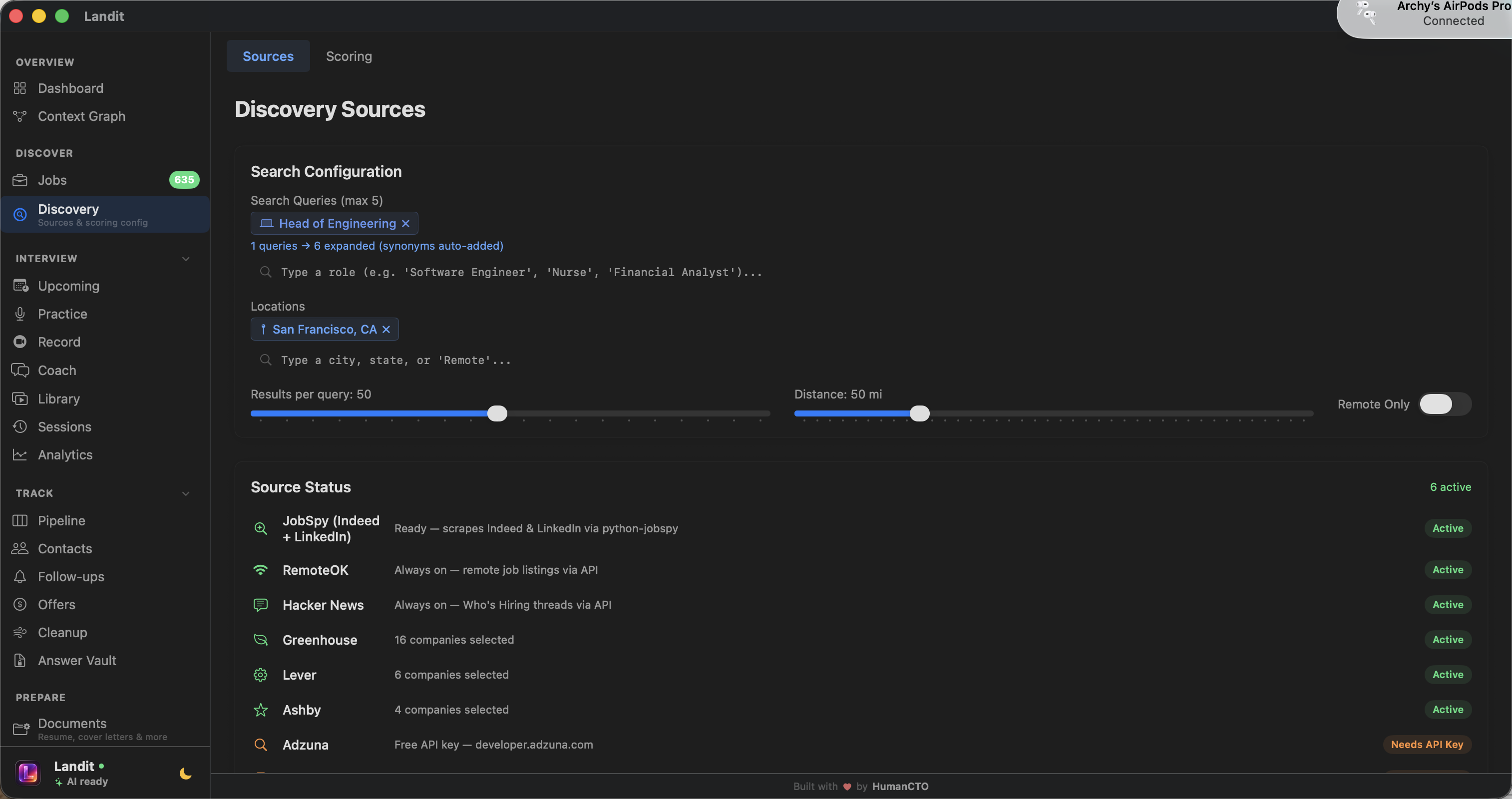
Multi-Source Job Discovery
Search LinkedIn, Indeed, Glassdoor, Greenhouse, Lever, YC, and more from a single interface. AI ranks results by relevance to your profile.
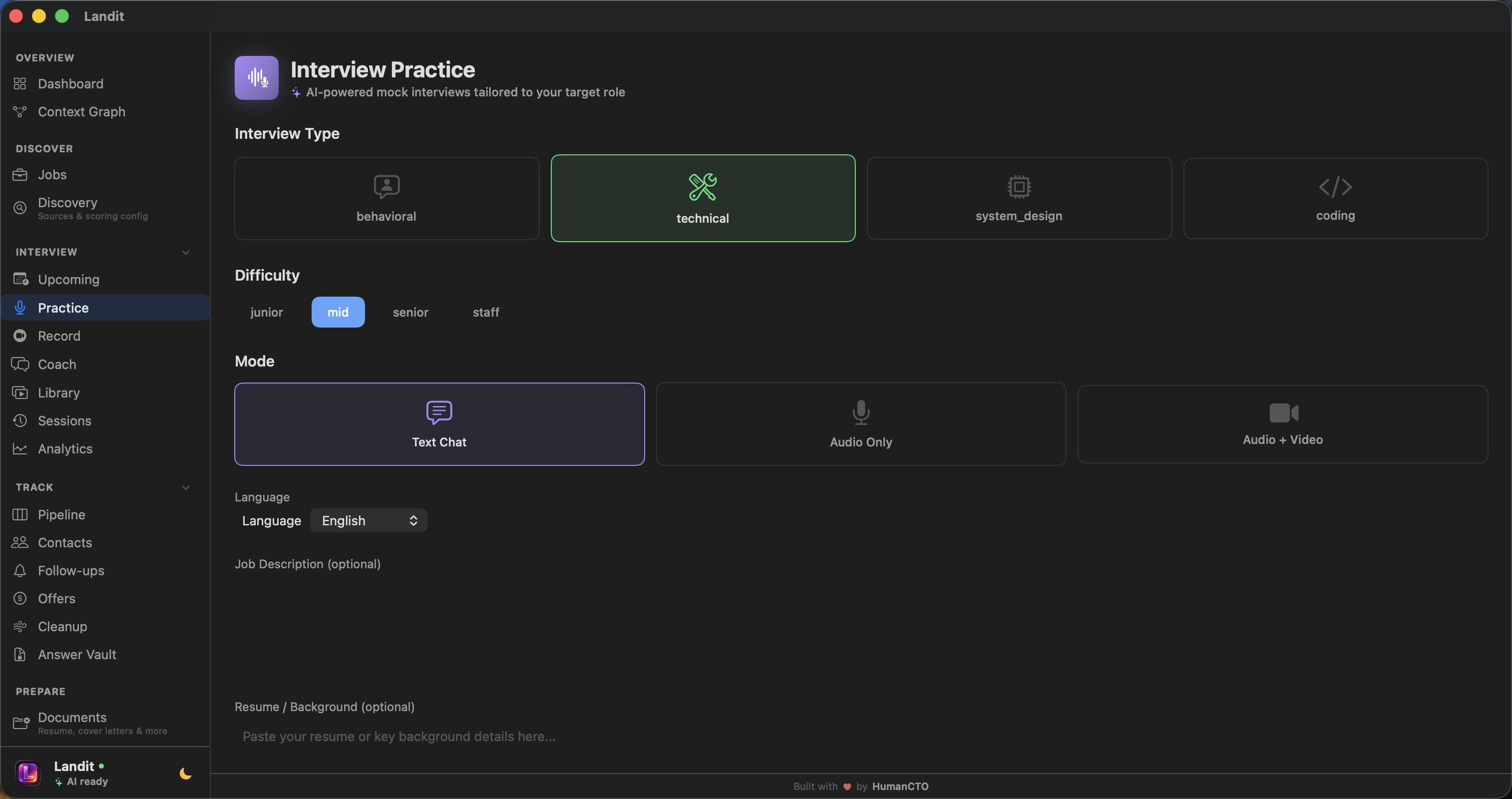
Live AI Mock Interviews
Practice with voice and video against AI interviewers. Get real-time feedback on answers, body language cues, and speaking pace.
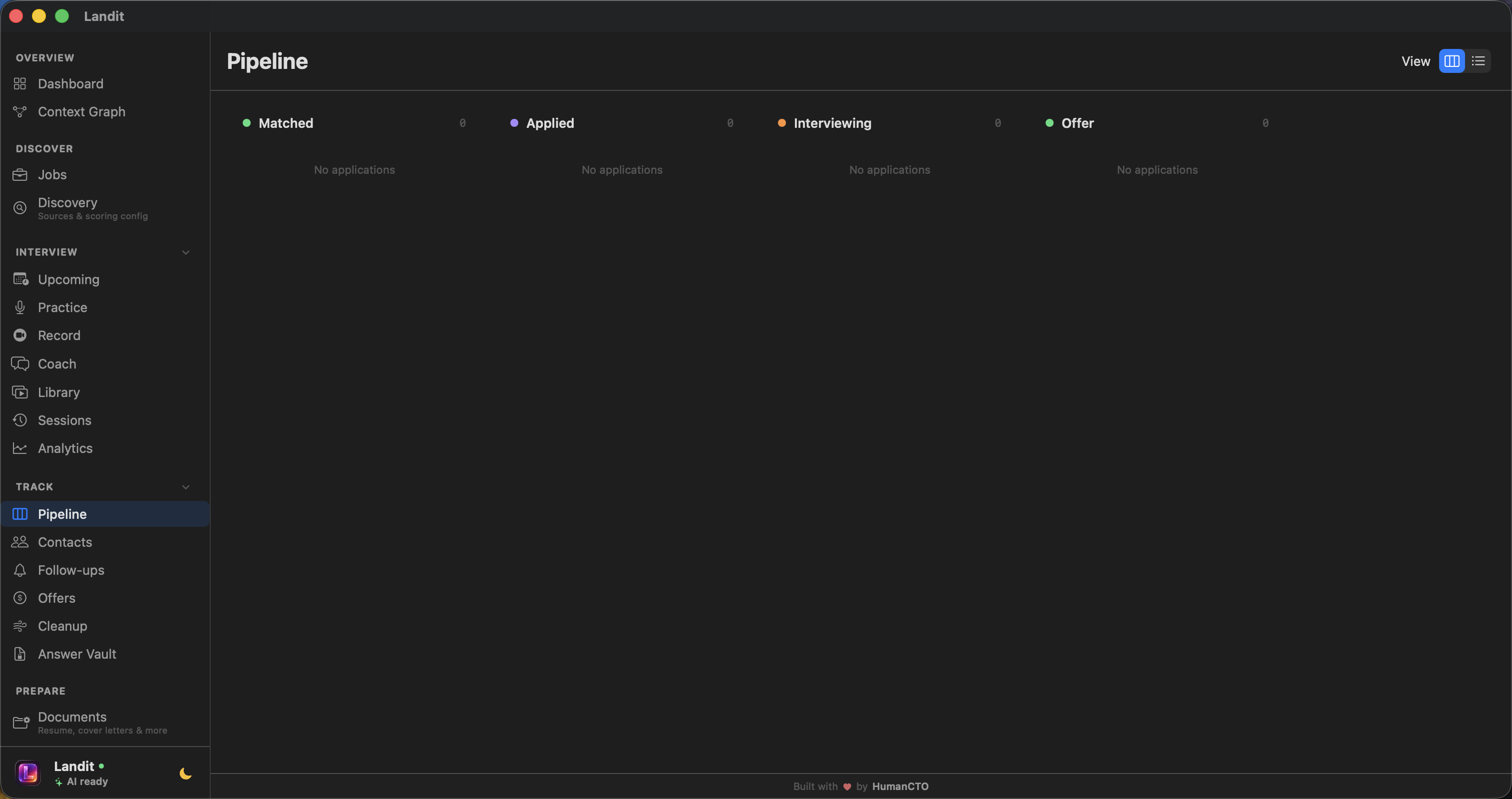
Pipeline Tracker
Kanban board from saved to offer. Never lose track of where you stand.
Privacy First — Local AI
Run AI on your Mac with Ollama. All data in local SQLite. No cloud, no cost, no compromise.
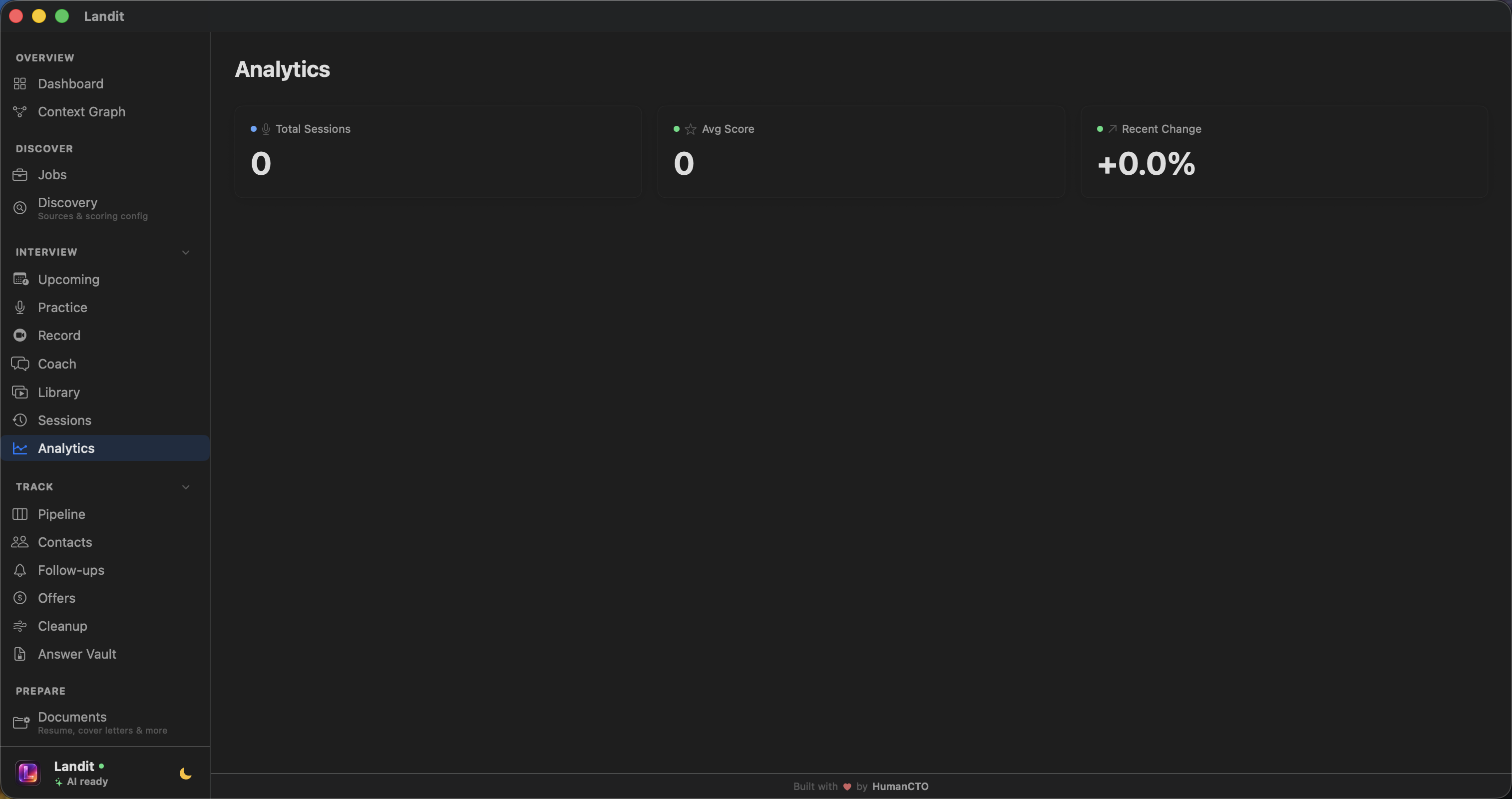
Interview Analytics
Track performance across sessions. See trends, strengths, and areas to improve.
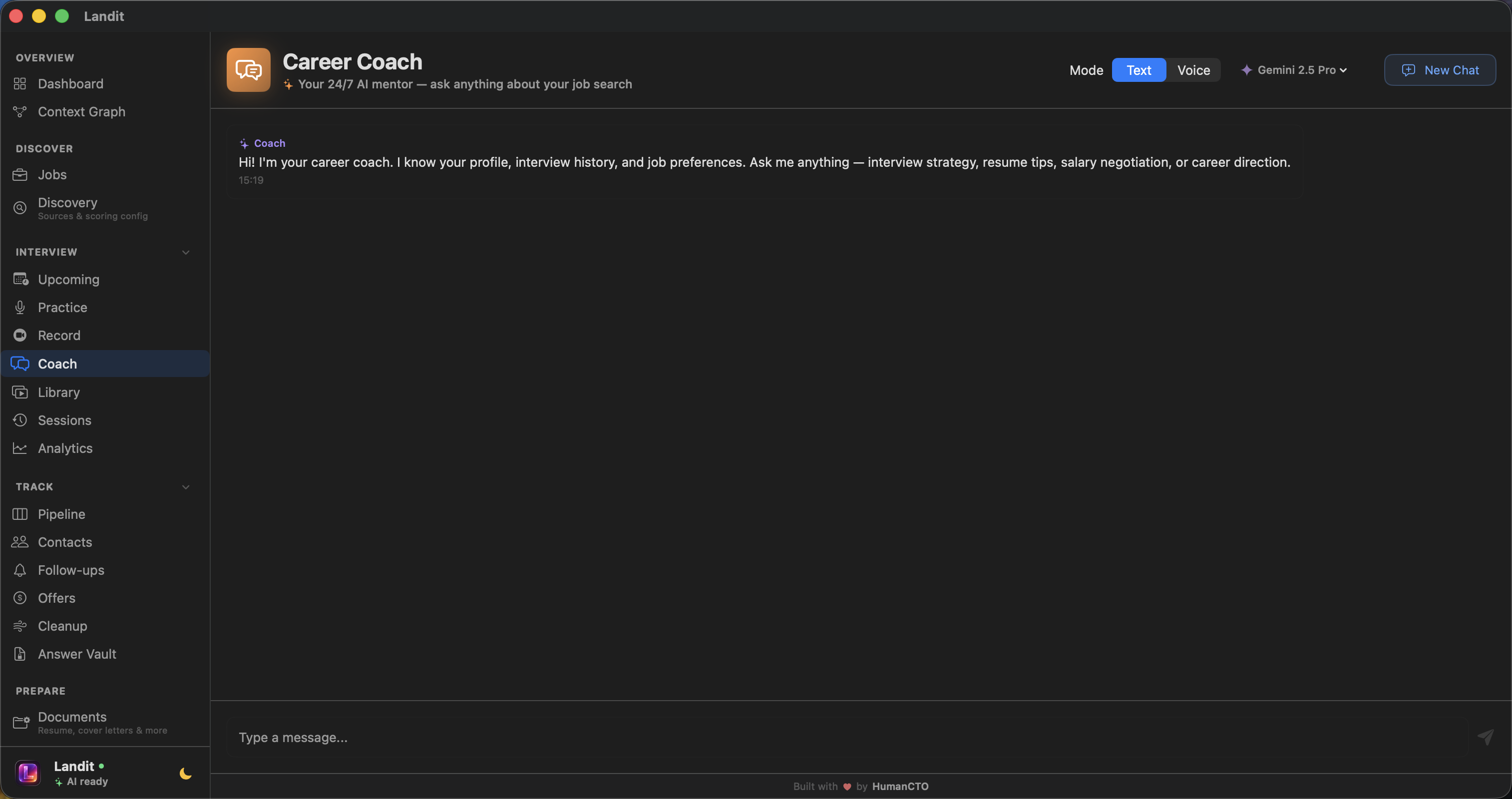
AI Career Coach
Chat with AI about strategy, resume feedback, negotiation tactics, and more.
Resume Analysis
AI scans your resume and suggests improvements tailored to each role.
Smart Recommendations
AI learns your preferences and surfaces the most relevant opportunities.
Video Recording Studio
Loom-style recorder with camera, screen capture, or both. 3-2-1 countdown, pause/resume, configurable quality. On-device transcription and AI analysis with filler word detection, pacing assessment, and confidence scoring. Link recordings to applications.
Context Graph
Interactive force-directed graph showing how your companies, contacts, skills, and applications connect. Obsidian-style visualization. Export as structured JSON or natural language for LLM context.
How It Works
Three steps to your next role
Download, configure your AI providers, and start your search in minutes.
1
Download & Setup
Download the .dmg above and drag Landit to Applications. On first launch, right-click the app → Open (macOS requires this for apps outside the App Store). Install Ollama for free local AI, or add cloud API keys — your choice.
2
Discover & Apply
Search jobs across 7+ sources. Save the ones you like. Track applications through your pipeline.
3
Practice & Land
Run AI mock interviews with voice and video. Get coached. Walk into real interviews with confidence.
First launch on macOS
Since Landit is distributed outside the App Store, macOS Gatekeeper may block it on first open. To fix this: Right-click Landit.app → Open — then click "Open" in the dialog. You only need to do this once.
Alternatively, run xattr -cr /Applications/Landit.app in Terminal before opening.
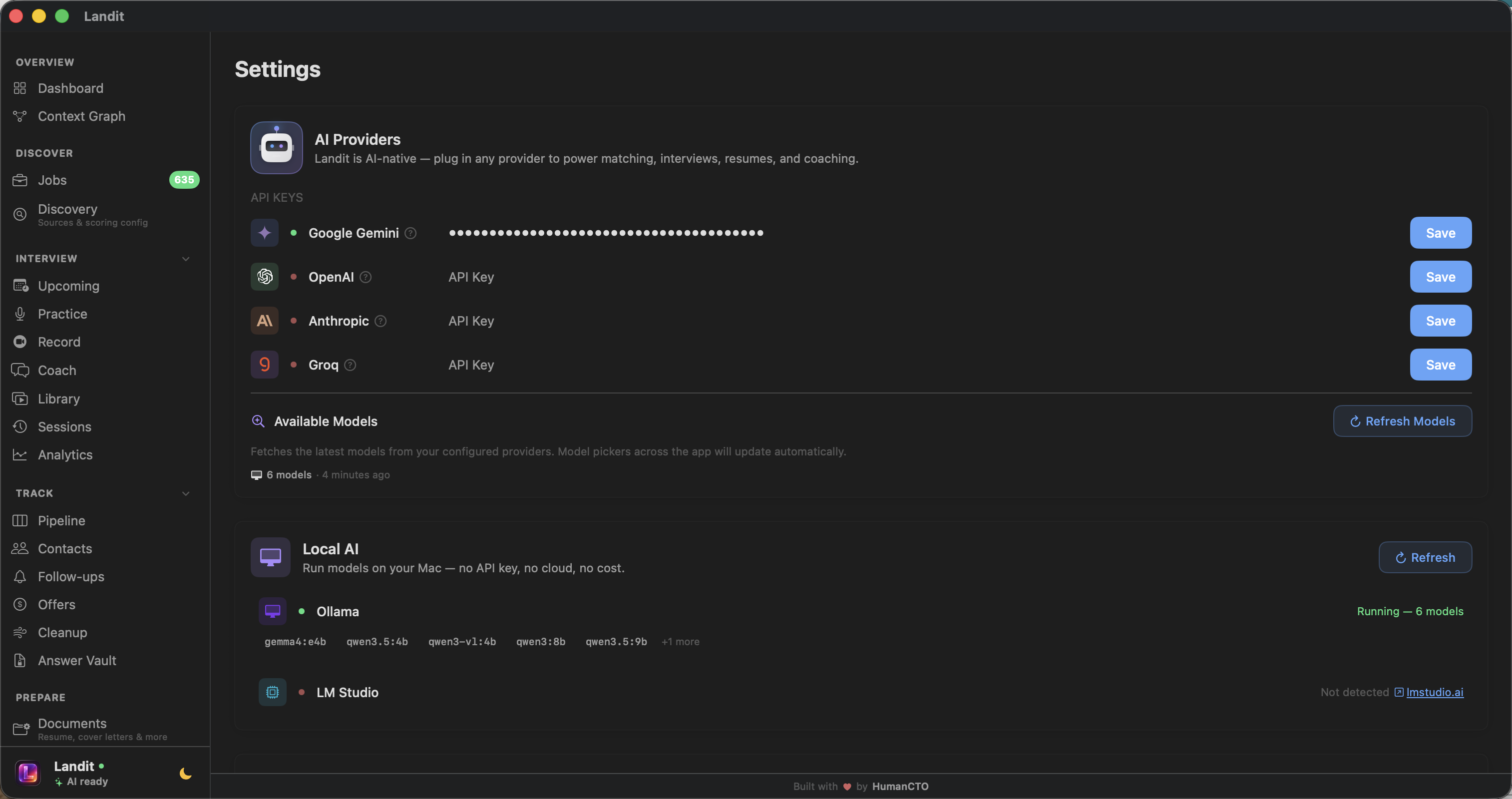
AI Providers
Local first. Cloud when you want.
Run AI on your Mac with Ollama or LM Studio — free, private, no API key. Or bring your own cloud keys. Your choice.
🦙
Ollama LOCAL
Run Qwen, Gemma, Llama, Phi on your Mac. Free, private, no API key. Get Ollama →
🧪
LM Studio LOCAL
GUI for local models. Download, load, and run. Zero config. Get LM Studio →
No accounts. No tracking. No cloud. Even the AI runs on your machine.
Local AI — On Your Mac
Run Ollama or LM Studio models directly on your hardware. Job scoring, resume analysis, career coaching — all without sending a single byte to the cloud. Zero cost. Total privacy.
Local SQLite Database
Everything is stored in a SQLite database on your machine. Your job data, interview history, and preferences never touch a server.
No Account Required
No sign-up, no email, no authentication. Download and start using it immediately. Zero friction.
Zero Telemetry
No analytics, no crash reporting, no phone-home. The app works completely offline except for AI API calls you explicitly make.