Make your exit.
Give yourself a familiar cue to finish a conversation. Choose a caller and ring now, or keep the app open while your timer counts down.
 GottaBounce
Simulated calls for iPhone
GottaBounce is a free call simulator for iPhone. Choose a caller, add your own audio, and ring on cue for a conversation wrap-up, acting practice, or rehearsal.
Available free on the App Store.
For iPhone with iOS 17 or later.
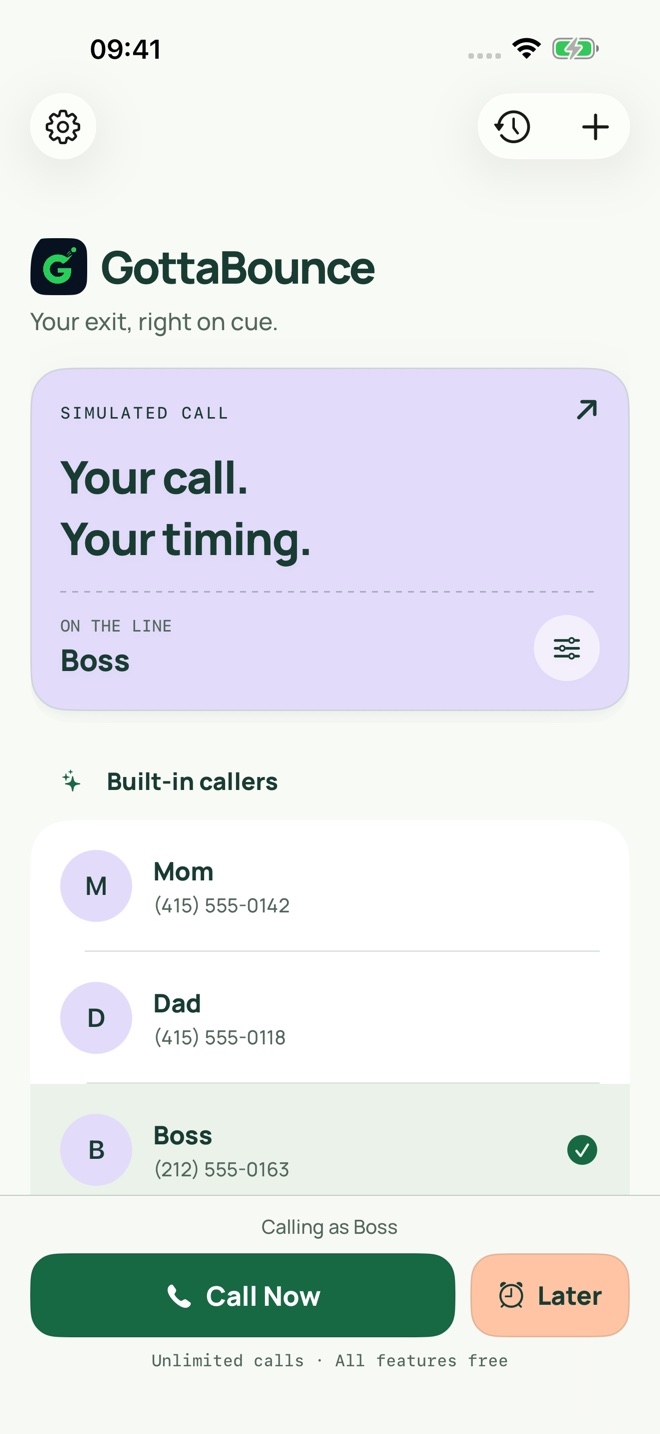
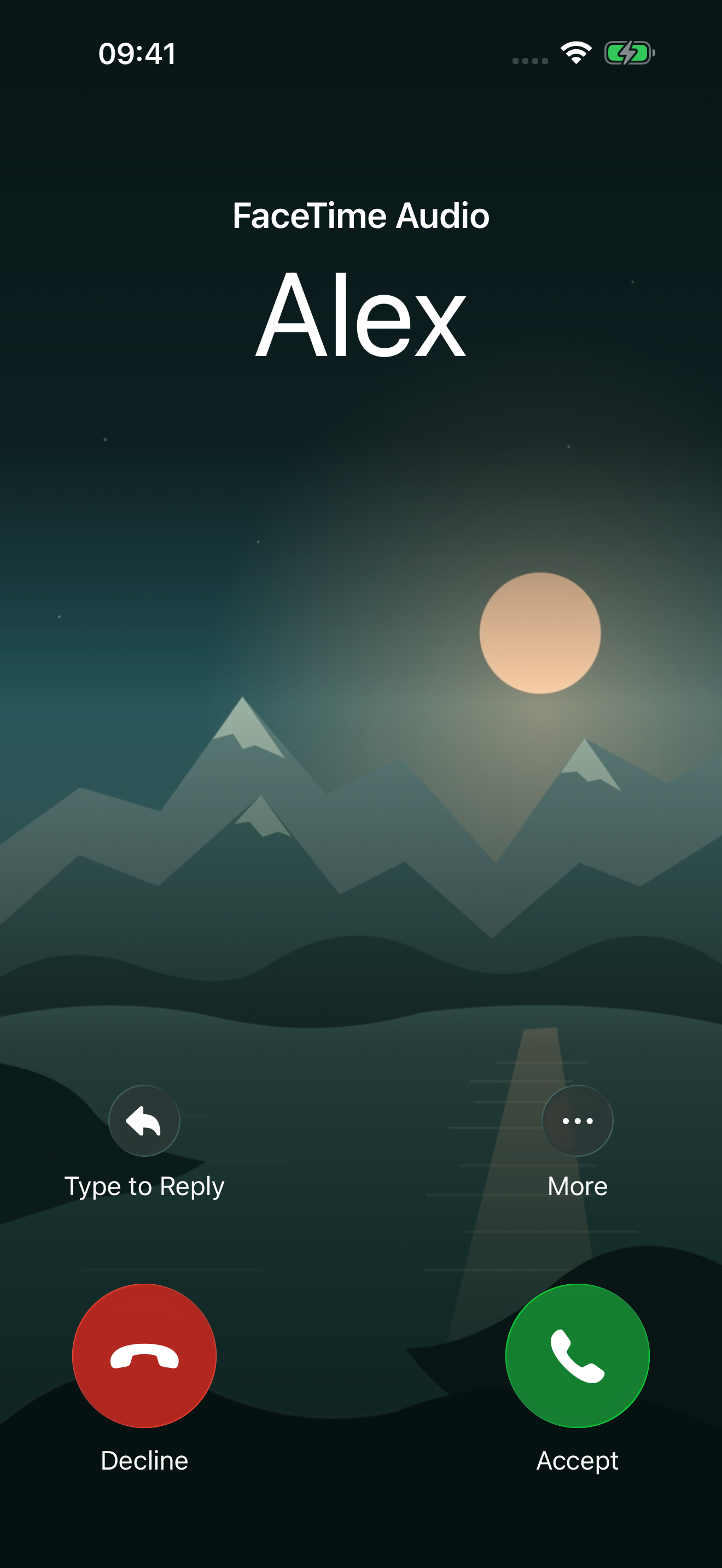
For a graceful wrap-up, a practice conversation, or a scene you’re making. You decide who calls and what happens next.
Give yourself a familiar cue to finish a conversation. Choose a caller and ring now, or keep the app open while your timer counts down.
Import spoken lines, leave timed pauses for your replies, and add optional on-screen hints. Practice at your own pace, without recording yourself.
Give a fictional character a name, photo, ringtone, and dialogue. Use your own audio and scripts for acting practice or a call scene filmed on another device.
Set it up once, then come back to your saved caller whenever you need a cue.
Start with a preset or add a name, photo, ringtone, and audio clip. Choose an avatar or a full-screen contact photo.
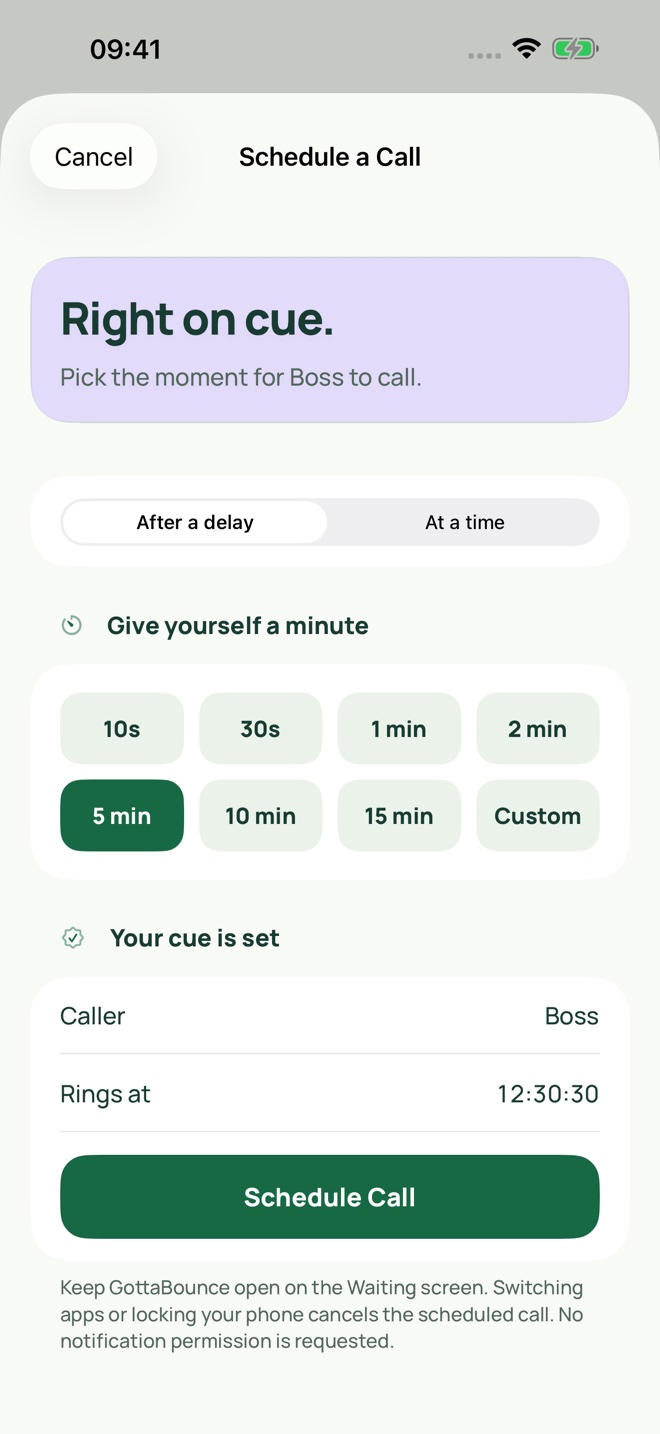
Ring now or set a timer. Keep the Waiting screen open. Locking your phone or switching apps cancels the call.
Answer to hear your clip or script. Use the earpiece by default, choose Speaker to play aloud, and end when you’re done.
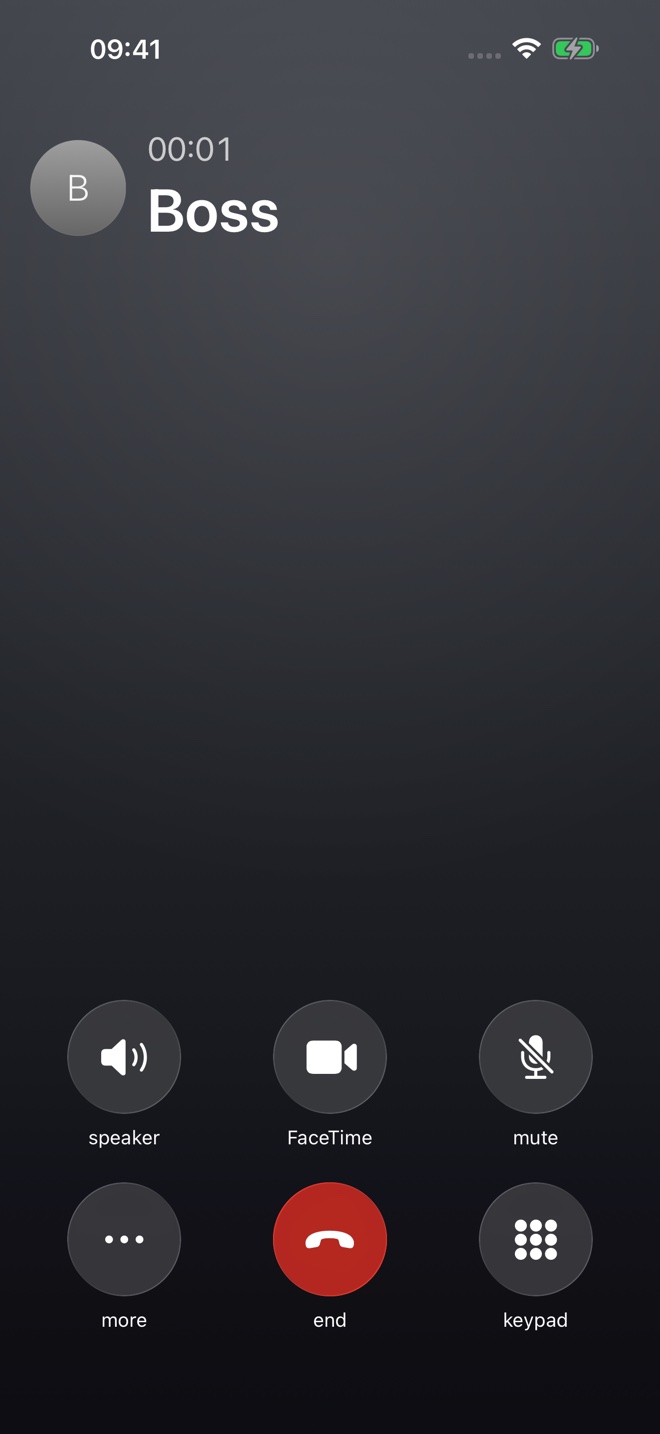
Genuine iPhone Simulator captures. Call-style controls that don’t apply to a simulation are visual only.
Custom callers. Full-screen photos. Your audio and scripts. Timers, history, widgets, Shortcuts, and an after-call image.
Every feature is free in the current release. No daily limit, upgrade screen, or subscription.
Compare the free featuresYour callers, photos, and audio stay in the app’s local storage. There’s no account to create and no app analytics.
No microphone recording or device-permission prompts. Optional system pickers provide only the items you select. Device backups follow your settings.
Read the privacy policyOther call simulators list paid options. GottaBounce includes unlimited calls and every feature, with no ads or purchases.
| What’s included | GottaBounceThis app | Faker 3 – Call Simulator | Fake Call | Simple Fake Call |
|---|---|---|---|---|
| Free access | All features free | Free download; purchases listed | Free download; purchases listed | Free download; purchases listed |
| Unlimited calls | Included free | Listed as a premium feature | Subscription for unlimited use | Not stated in listing |
| Advertising | No ads | Ad-removal purchase listed | Ad-removal purchase listed | Ad-removal purchase listed |
| Listed paid options | No purchases or subscriptions |
|
|
|
On a small screen, swipe across the table to compare all four apps.
Public US App Store listings, checked October 4, 2026. Prices and offerings can change. This compares listed access and purchase options, not hands-on quality or sales. An ad-removal purchase is reported as listed; it does not establish when or how often ads appear. Competitor names link to their App Store sources. “Not stated” means unconfirmed, not unavailable. Selected paid options are shown; a billing period is included only when the listing states one.
GottaBounce displays an incoming-call simulation and plays your selected audio inside the app. You control the fictional caller, ringtone and timing. It never calls a phone number or changes your real caller ID.
Yes. Simulated calls and playback of audio already in the app work offline. Download the app and import any files first; a cloud Files provider may need an internet connection to download your audio.
Yes. All features and unlimited calls are free in the current release. There are no purchases, subscriptions, ads, or account requirements.
No. Everything happens inside GottaBounce. It never places real calls, changes caller ID, or contacts another person. Phone, FaceTime Audio, and WhatsApp Audio presentations are simulated visual styles, not service integrations.
No. GottaBounce runs inside the foreground app. Leave its Waiting screen open for scheduled calls. Switching apps or locking the phone cancels the timer; it does not send notifications.
Yes. Import an audio clip from Files in the caller editor, then open Script to arrange imported spoken lines and timed pauses for your replies. You can add a short on-screen hint to each pause. Use audio you own or have permission to use. The app plays the script you create; it does not listen or generate live replies.
Yes. Create a fictional caller, add your own dialogue, and use the timer to cue the incoming call. For a filmed scene, keep GottaBounce open on the prop iPhone and film with another device. The app does not record or export videos.
Ringtones and editor previews can play aloud. Answered-call clips use the earpiece by default. If a private output is unavailable, Speaker-off playback stays silent. Select Speaker to play the clip aloud.
There are no device-permission requests. The app does not record audio. Optional Photos, Contacts, and Files pickers provide only the items you choose.
No. It’s entertainment and rehearsal software, not an emergency or personal protection service. Never use it to frighten, harass, defraud, impersonate, or fabricate evidence.
Made by Archy
I’m Archy. I made GottaBounce for everyday moments when a little space or a practice run can help.
Have an idea for a better rehearsal or a more useful call? I’d like to hear how you use it.
Available free on the App Store.
Download free on the App StoreFor iPhone. Unlimited calls. Always a simulation.